



 All Post
HoneyLog now supports MCP: ask your AI assistant about your traffic
Sep 30, 2026 | Author: Anna Battistella
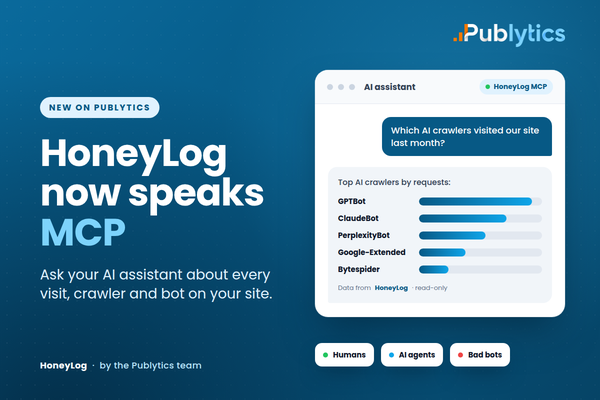
7 ways to put your AI assistant to work on your traffic data.
- - HoneyLog is a server-side analytics tool built by the same team behind Publytics. It is a separate product, designed to give you 100% visibility on the traffic that reaches your website: humans, search crawlers, AI agents and malicious bots.
- - HoneyLog now has its own MCP server. Connect it once to Claude, ChatGPT, Cursor or VS Code and ask questions about your traffic in plain language.
- - Below are 7 concrete use cases for publishers, each with a prompt you can copy.
- - Publytics shows you what your readers do. HoneyLog shows you everything else that hits your servers. Together they give you the complete picture, and customers of both get a dedicated discount.
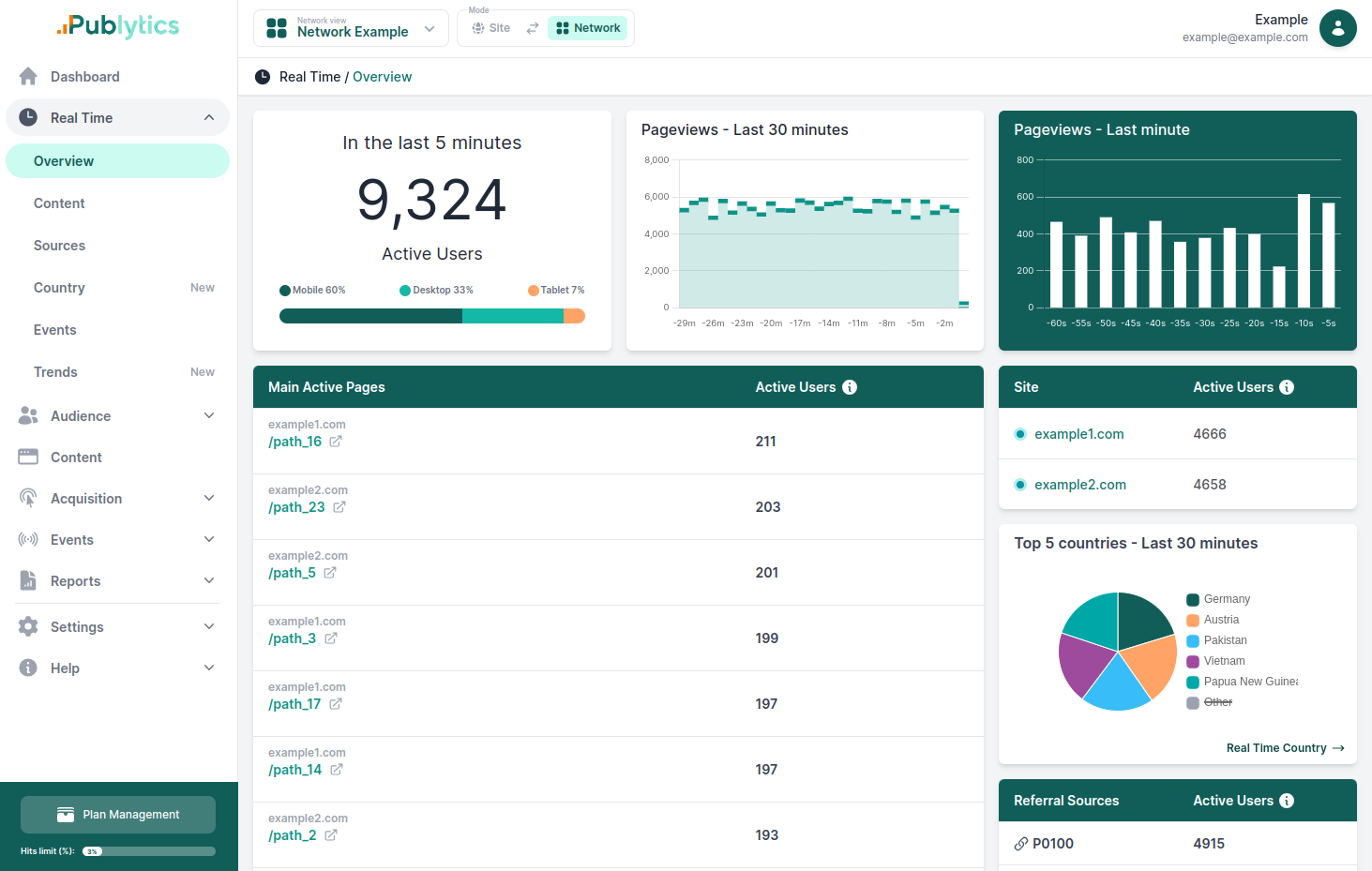
For years, publishers have measured their websites through one lens: the JavaScript tag. It is the lens Publytics was built on, and it is the right one for understanding readers. It tells you which articles people open, where they come from, how long they stay and what makes them come back.
However, a growing share of the requests your servers receive never run a script. AI crawlers collect your articles to train models. AI agents fetch pages to answer a user's question in real time. Scrapers copy content, malicious bots probe your site for weaknesses, ans none of them show up in a client-side analytics report, yet all of them consume bandwidth, affect performance and increasingly shape how your content reaches audiences.
That is why our team built HoneyLog, and starting today, you don't need to open a dashboard to use it: you can simply ask your AI assistant.
What is HoneyLog, and how does it relate to Publytics?
HoneyLog is a server-side analytics platform developed by the Publytics team. Instead of relying on a script in the browser, it reads the request logs of your server or CDN. Every request is captured before any JavaScript runs, so nothing slips through.
HoneyLog classifies each request into one of three groups:
- 1. Real users: human visitors.
- 2. AI agents and crawlers: ChatGPT, Claude, Perplexity, Gemini, GPTBot, ClaudeBot, PerplexityBot, Bytespider and more, tracked by name, over time and page by page.
- 3. Malicious bots: scrapers and bad actors that consume resources without giving anything back.
According to a report published by Thales and Imperva, bots account for 53% of Internet traffic that client-side tools are not design to see (and that's ok!).
Two tools, two lenses
Publytics and HoneyLog are separate products that answer different questions. Neither replaces the other.
| Publytics | HoneyLog | |
|---|---|---|
| Where data comes from | Lightweight, cookieless script in the browser | Server and CDN request logs |
| What it sees | Human readers who load the page | Every request: humans, crawlers, AI agents, bad bots |
| Questions it answers | What do readers read, where do they come from, what converts? | Who else is consuming my content, how much, and at what cost? |
| Typical users | Editors, audience and growth teams | Publishers, SEO, Marketing, and every other Team |
Publytics already shows you the visits that AI assistants send to your site, such as a reader clicking a link inside ChatGPT. HoneyLog shows you the other side: the AI systems that read your site to produce those answers, whether or not they ever send a visitor back.
What MCP changes
The Model Context Protocol (MCP) is an open standard that lets AI assistants connect to external tools and data. With the new HoneyLog MCP server, your assistant can query your HoneyLog data directly, instead of you exporting reports and pasting numbers into a chat.
In practice, you connect HoneyLog once and then ask questions like "which AI agents crawled my pricing page last month?" The assistant picks the right query, reads the data and answers in plain language. It can also combine the results, compare periods and turn them into a summary, a table or a short memo for your team.
It works with Claude, ChatGPT, Cursor, VS Code and any MCP-compatible client. Your assistant can break traffic down by page, bot, country, browser and referrer, and follow any metric over time, for a single site or a whole network of sites. Moreover, the setup takes only few minutes, you can find the full step-by-step guide is in the HoneyLog MCP documentation. If you want to understand more, read the full HoneyLog article.
This matters because the people who need traffic answers are rarely the people who live in analytics dashboards. Everyone can now get a precise, data-backed answer in seconds, in the tool they should use every day.
7 ways publishers can use HoneyLog with their AI assistant
1. Know exactly which AI companies are reading your content
Most publishers know that AI crawlers visit their site. Very few know which ones, how often and which articles they take. With HoneyLog connected, that answer is one question away, broken down by bot and by page.
Try asking "Which AI crawlers visited our site in the last 30 days? Rank them by number of requests and list the ten pages each one fetched most."
2. Walk into AI licensing talks with hard numbers
When an AI company proposes a content deal, the publisher with data negotiates from strength. HoneyLog records how much each AI system consumes, month after month, and which sections it values most. Your assistant can turn that into a ready-to-share summary.
Try asking "Prepare a one-page summary of how many requests GPTBot and ClaudeBot made to our site each month this year, and which sections they crawled most."
3. Decide whether to block, negotiate or monetize
Not all AI traffic is equal. Some agents fetch pages to answer a user and may send readers back; others only collect training data. Seeing who reads what helps you choose, bot by bot, and check whether your rules are actually respected.
Try asking "Which bots requested pages under /premium/ in the last two weeks, and how many requests did each make?"
4. Catch bot spikes before they hit performance and hosting costs
A sudden wave of crawling can slow your pages down for real readers and push up CDN and server bills. Ask for the trend and the assistant will point you to the days, and the bots, behind the peak.
Try asking "Did bot traffic grow compared with last month? Show me the days with unusual spikes and which bots caused them."
5. Fix the crawl errors that hurt SEO and AI visibility
If search engines and AI crawlers keep hitting broken URLs, they waste crawl budget and may miss your best content. HoneyLog sees every response your server returns, so you can find those errors without digging through raw logs.
Try asking "Which pages return the most 404 errors to Googlebot and to AI crawlers this month?"
6. Investigate suspicious traffic in minutes
When something looks off, your security or tech team needs answers fast. Instead of querying logs by hand, they can ask where the malicious traffic comes from and what it targets.
Try asking "Which countries does our malicious bot traffic come from this week, and which pages is it hitting?"
7. Get a network-wide AI traffic briefing for your team
If you run several sites, HoneyLog can report on the whole network at once. Ask for a short briefing and share it with editors, sales and management, with no dashboard training required.
Try asking "Give me a short summary of last week's AI crawler activity across all our sites, with the three biggest changes compared with the week before."
Conclusion: Publytics + HoneyLog, the complete picture of your traffic
Client-side analytics tells you what your readers do. Server-side analytics tells you who else is on your site and what they take. On its own, each tool shows half the story. Together, they give you true, total visibility on every request your website receives, from the human reader who subscribes to the AI crawler that never clicks.
That is why we offer the two products as a bundle:
- Publytics for accurate, cookieless, real-time audience analytics.
- HoneyLog for server-side visibility on AI agents, crawlers and bots, now available right inside your AI assistant.
Already a Publytics customer?
You are one step away from the full picture. Book a call with our team to see HoneyLog, and get the bundle discount.
New to both? Start with a free trial of Publytics or HoneyLog.
Recent Posts
-
Google Quality Raters: How to tell if they visited your site
Oct 12, 2026 | Author: Anna Battistella
-
HoneyLog now supports MCP: ask your AI assistant about your traffic
Sep 30, 2026 | Author: Anna Battistella
-
Google Discover Publisher Rankings in August 2026: winners, losers, and major shifts
Sep 17, 2026 | Author: Anna Battistella
-
Google Discover Publisher Rankings in July 2026: winners, losers, and major shifts
Aug 24, 2026 | Author: Anna Battistella
-
Google Discover Publisher Rankings in June 2026: winners, losers, and major shifts
Jul 21, 2026 | Author: Anna Battistella
Start monitoring your websites in few seconds No credit card required!
Start monitoring your websites in few seconds