



 All Post
Publytics now supports MCP
Oct 30, 2026 | Author: Anna Battistella
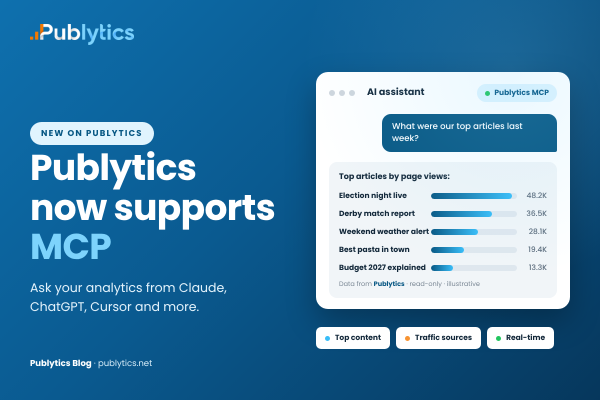
Ask your analytics from Claude, ChatGPT, Cursor and more
Which articles brought in the most readers yesterday? Where is the traffic on today’s top story coming from? Did last week’s newsletter actually send people to the site? Which author is growing fastest this month?
Editors, publishers and SEO teams ask questions like these every day. Until now, answering them meant opening the dashboard, choosing a date range, adding filters and reading tables. Today we are launching the Publytics MCP: you can now ask the same questions in plain language, directly from Claude, ChatGPT and other AI assistants.
What is MCP and how it works with Publytics
The Model Context Protocol (MCP) is an open standard that lets AI assistants connect to external tools and data: a service publishes an MCP server once, and every compatible assistant can use it.
Once you connect the Publytics MCP server at https://publytics.net/mcp, your assistant gets read-only access to your cookieless, unsampled and GDPR-compliant analytics. For each question it chooses the right report and answers in a sentence, a table or a chart, and you can keep asking follow-up questions in the same conversation.
7 things you can do with the Publytics MCP server
1. Prepare the morning editorial meeting
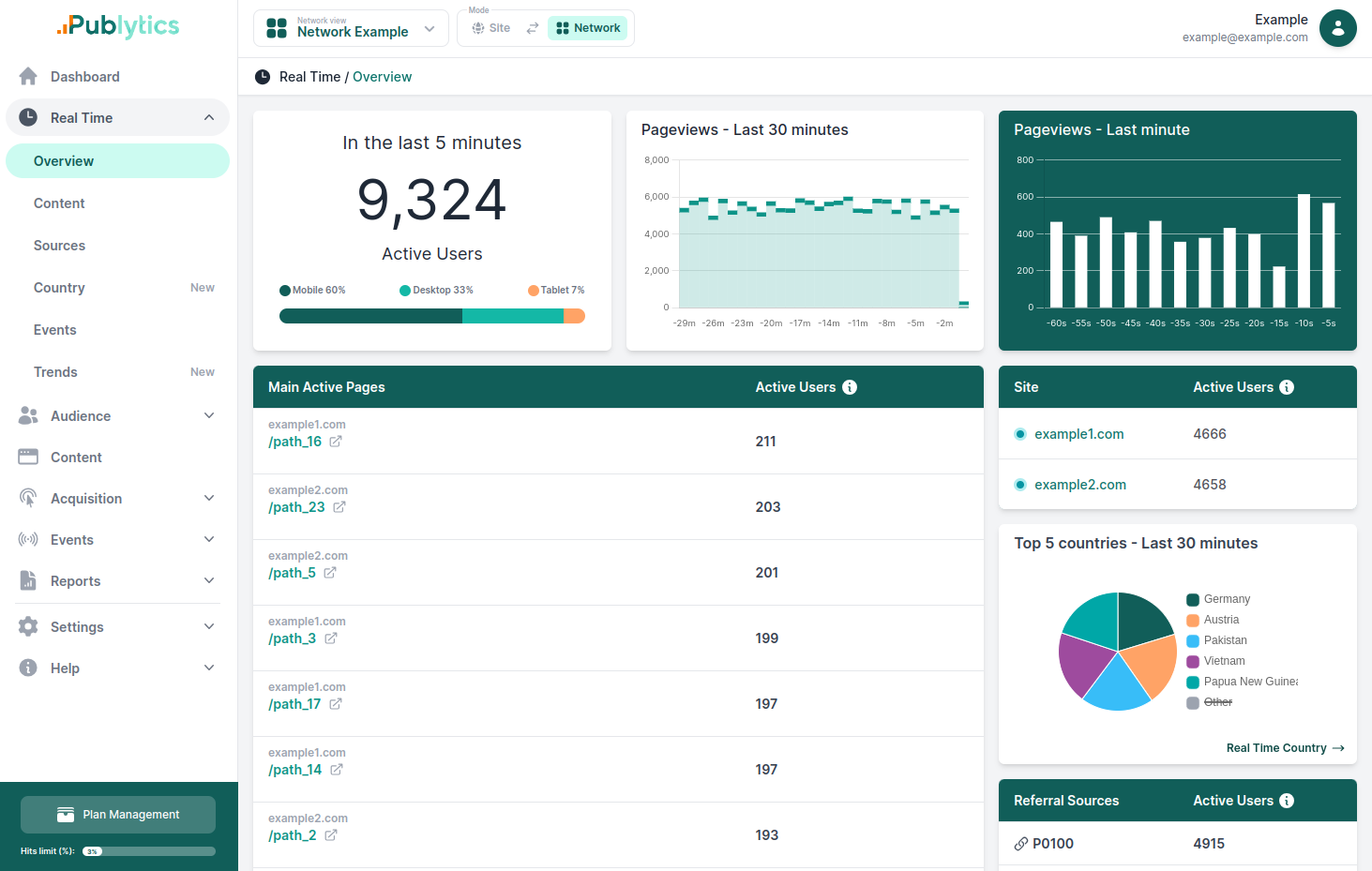
Start the day with numbers instead of impressions. The assistant can combine yesterday's results with what is happening on the site right now.
Try asking:
What were yesterday's 10 most read articles?
Which sections grew the most compared with the same day last week?
2. Find out where your readers come from
Search, Google Discover, social networks, aggregators and partner sites all behave differently. Knowing which source feeds which story helps you decide where to promote content.
Try asking:
What were the top 10 referrers this month, and how did they change from last month?
Where did the traffic on our most read article this week come from?
3. Measure newsletters and campaigns
If you tag your links with UTM parameters, the assistant can tell you which campaigns actually brought readers to the site.
Try asking:
Rank our October newsletter campaigns by sessions.
Which landing pages did readers from the Sunday newsletter enter on?
4. Explain a traffic spike or drop
When traffic suddenly changes, the first question is always why. The assistant can check pages, referrers, countries and devices for that day and point to what changed.
Try asking:
Page views doubled on Tuesday. Which articles and which sources explain it?
Traffic from Germany dropped last week. Is it one page, one referrer or the whole site?
5. Follow breaking news in realtime
During a big story, you want to know what readers are doing right now.
Try asking:
How many people are on the site right now, and which pages are they reading?
Is the live blog still the most read page in the last few minutes?
6. Understand authors, sections and conversions
If you track authors, categories or content types as custom dimensions, and newsletter sign-ups or paywall clicks as custom events, you can ask about them directly.
Try asking:
Which authors had the most page views last month?
How many newsletter sign-ups did we get this week, and from which articles?
What share of our mobile readers come from Italy, and which browsers do they use?
7. Compare sites across a network
Publishers with several titles can query a whole network of sites at once, instead of opening one dashboard per site.
Try asking:
Which of our sites grew the most this month?
What is the most read article across the whole network this week?
Of course, these are just a few ideas to get you started and any question about your Publytics data is fair game, phrased however you like.
MCP does not replace the dashboard
MCP is not meant to replace the dashboard but to complement it: the dashboard remains the core environment for analysis, while MCP adds a faster way to answer specific questions about the same data. Each serves a different stage of the analytical process:
• The dashboard is exploration-first. You browse, compare charts and spot patterns you were not looking for.
• MCP is question-first. You already know what you want to know, and you want the answer in seconds.
How to connect Publytics to your AI assistant
Setup takes about two minutes. No API key to copy and paste: you sign in to Publytics and approve access. Here is how it works in Claude:
1. In Claude, go to Settings > Connectors, click Add and choose Add custom connector.
2. Enter Publytics as the name and https://publytics.net/mcp as the URL.
3. Under Authentication select Sign in now, and under OAuth client select Register automatically. Claude usually detects both for you. Click Continue.
4. You are taken to Publytics. Sign in if needed, review the permissions and click Allow access.
5. Back in Claude, open a new chat and ask your first question, for example "List my Publytics sites".
ChatGPT, Cursor, VS Code and other MCP clients connect with the same server URL. For details, see the Publytics documentation.
Your analytics, one question away
Analytics only help when people actually look at them. With the Publytics MCP server, publishers can get answers in the tools they already use, without learning a new dashboard and without giving up privacy.
Connect Publytics to your AI assistant and ask your first question today.
Not using Publytics yet? Try it free for 14 days. No credit card required.
Recent Posts
-
Publytics now supports MCP
Oct 30, 2026 | Author: Anna Battistella
-
Publisher metrics that actually matter in 2026
Oct 22, 2026 | Author: Anna Battistella
-
Google Quality Raters: How to tell if they visited your site
Oct 12, 2026 | Author: Anna Battistella
-
HoneyLog now supports MCP: ask your AI assistant about your traffic
Sep 30, 2026 | Author: Anna Battistella
-
Google Discover Publisher Rankings in August 2026: winners, losers, and major shifts
Sep 17, 2026 | Author: Anna Battistella
Start monitoring your websites in few seconds No credit card required!
Start monitoring your websites in few seconds